Choose a finished design, then personalize its home group, name, sobriety date and milestone.
Complete your order.
1. Send Nick your order
Send the details below to (916) 886-7377. Review your inscription carefully, then send your order and payment.
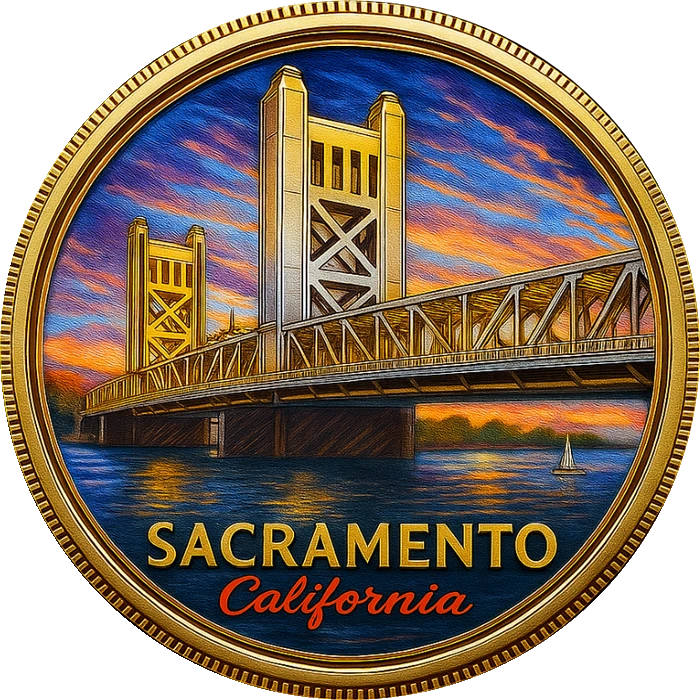
![Selected design front]() Selected artwork
![Selected design reverse]() Reverse
Stock artwork example. Your requested inscription is listed below.
Preparing your order files…
On a phone, tap Share PDF, choose Messages and send it to (916) 886-7377. You can also download the PDF or image and attach it yourself. The Text order button opens a text draft with your details and artwork links.
On a computer, download the file and attach it using your messaging app. You can also take a photo of the pictured order summary and text it to Nick.
2. Pay now to prioritize your order
Ready to go? Text Nick your order details and pay now with Venmo or Zelle—no need to wait for a reply. Orders receive priority once your details and payment arrive. Include your order reference in the payment note. Nick will send tracking as soon as possible for shipped orders, or coordinate local pickup by text.
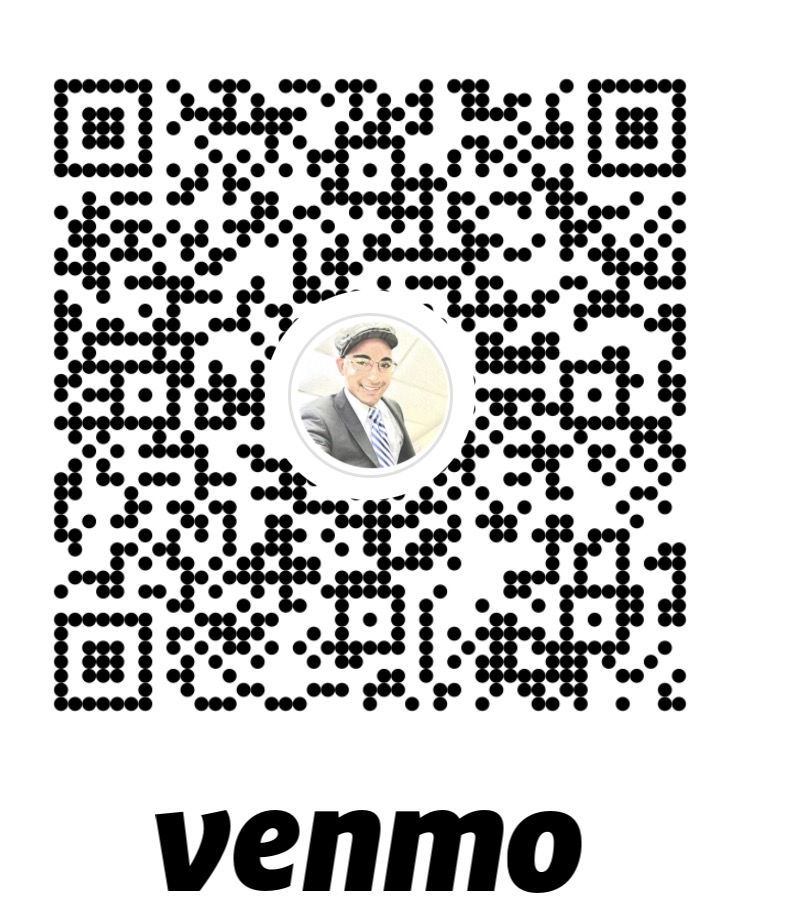
Pay with VenmoVenmo: @NicholasC-Smith-Washington
Zelle: 916-886-7377 through your bank app. Check the recipient before sending.
3. Pickup or shipping
Allow 24 hours after your order details and payment arrive for dispatch. Tracking will be provided as soon as possible. Local pickup is coordinated by text.
Venmo
Check that the recipient is @NicholasC-Smith-Washington. Mark the payment as a purchase. If that option is unavailable on a personal profile, text Nick.
Open Venmo ↗
Zelle
Open Zelle in your bank app and enter 916-886-7377. Check the displayed name before sending.